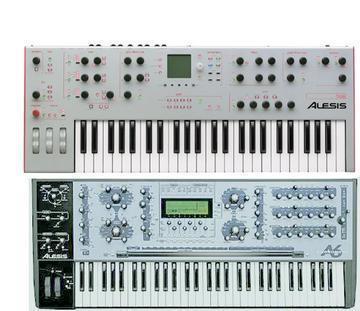
I can't believe I never saw this before but there are 7 slots in the global
menu where you can assign what ever midi CC number you want to it.

<GLOBAL MENU><CC Map><CTL NUM>

(ie. CC A=16, CC B=17, CC C=18 etc...)

From there you can control the filter or any thing that can be modulated
with midi cc's by assigning one of the modulation source to Midi CC A or B
or C  etc.. Much easier then trying to fiddle around with all the NRPN data.

This just blew me away as some of you might remeber that I have always
complained about the difficulty with recording, editing and controlling the
NRPN data inside the DAW.

This thing never ceases to amaze me.

Larry


--
No virus found in this outgoing message.
Checked by AVG Anti-Virus.
Version: 7.0.308 / Virus Database: 266.11.8 - Release Date: 10/05/2005
Message
CC Mapping
2005-05-15 by Larry Pham
Attachments
- No local attachments were found for this message.