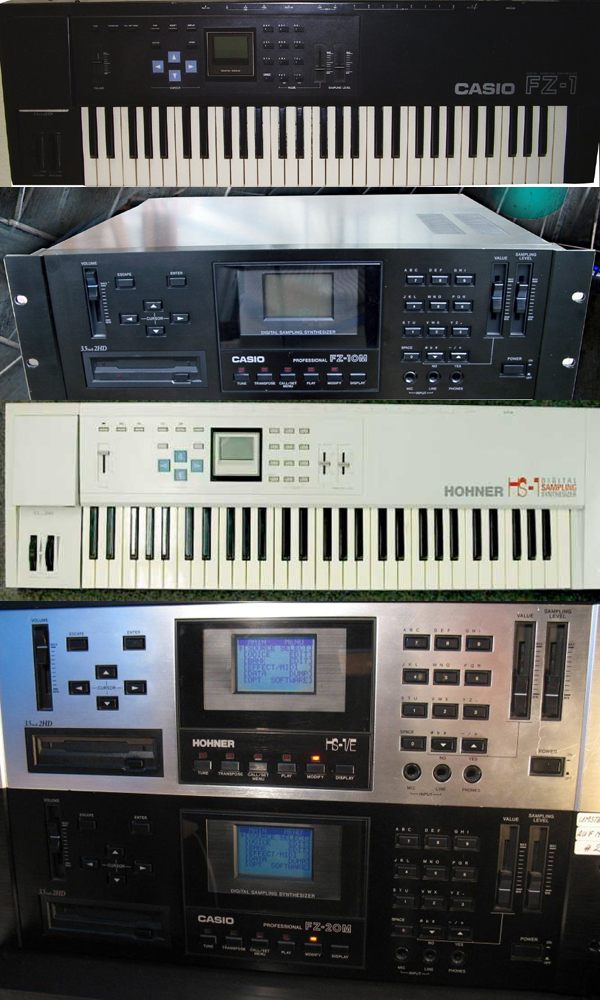
I did manage to send a few programs through to the FZ1 using FZDump running Windows XP on VMware on my IMAC but that was before the screen died. The problem is navigating to the choose device menu of the DATA Dump screen.
According to the manual if I go to the modify menu, it is four downward button pushes then enter, then in the DUMP menu four further downward button presses then enter. Then move the data slider down to tell the FZ to accept a midi connection, then one more downward button press to set it to remote control.
Now that was relatively easy when I could view the screen , but I have found it infuriatingly tricky with no screen. I wonder if some kind soul with a working screen can confirm if that sequence of btton presses is right.
The LCD in the Casio FX7000g and F7000GA are the same as in the FZ1, I bought the F7000GA but the drivers for the screen are different, and I haven't been able to source a FX7000g at a reasonable price. The idea was to cut some tracks and solder in the screen, but with the drivers being different, apart from me taking alot of notes of voltages, I have kinda stalled on that solution....still going to try though.
You are right that alot of these FZ1's are out there with failing/damaged screens, hopefully someone somewhere has a solution
Neil