Message
Re: [xpantastic] Re: Xpander midi overflow mode available?
2012-04-19 by Tony Cappellini
>>so, basically, you need a midi controller keyboard, and two xpanders set to even the same midi channel, but, via their zones capability, to make them respond to only a part of the keyboard range, right? so you have half of the keys to xpander one and half of >>the keys to xpander two...
>>even the same midi channel
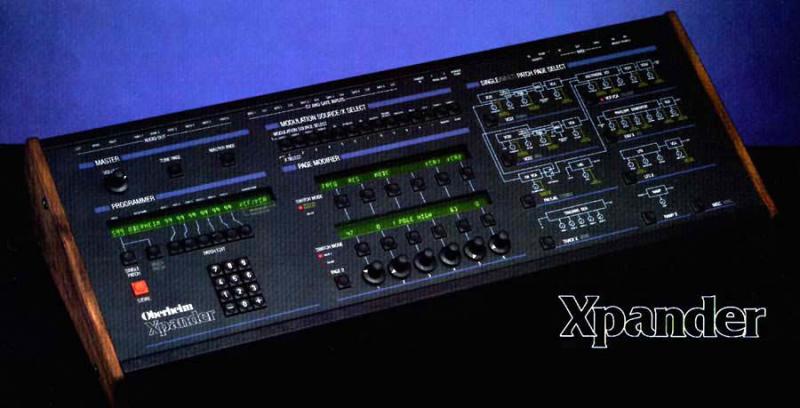
They don't need to be set to the same channel- I think you would end up with doubled notes- on each box. As I understand it - you would like to have 6 different notes on each box, where each box is *probably* (but not necessarily) using the
same patch.
That is what I'm thinking. However, I'm at work and not in front of the Xpander, so I can't verify this easily.
I hope others will jump in with their thoughts shortly.
>>you need a midi controller keyboard
If you're using your Xpanders with Ableton or similar software, remapping may even be easier.
As an aside- if you get this working the way you want, AND you are using the same patches on each Xpander..
When Echo is enabled, whatever knobs you change on one box get echoed to the other.
If you change a patch on one box, the patch will also change on the other box.
Be careful so you don't get a midi loop going on though. It will drive you mad.
Attachments
- No local attachments were found for this message.